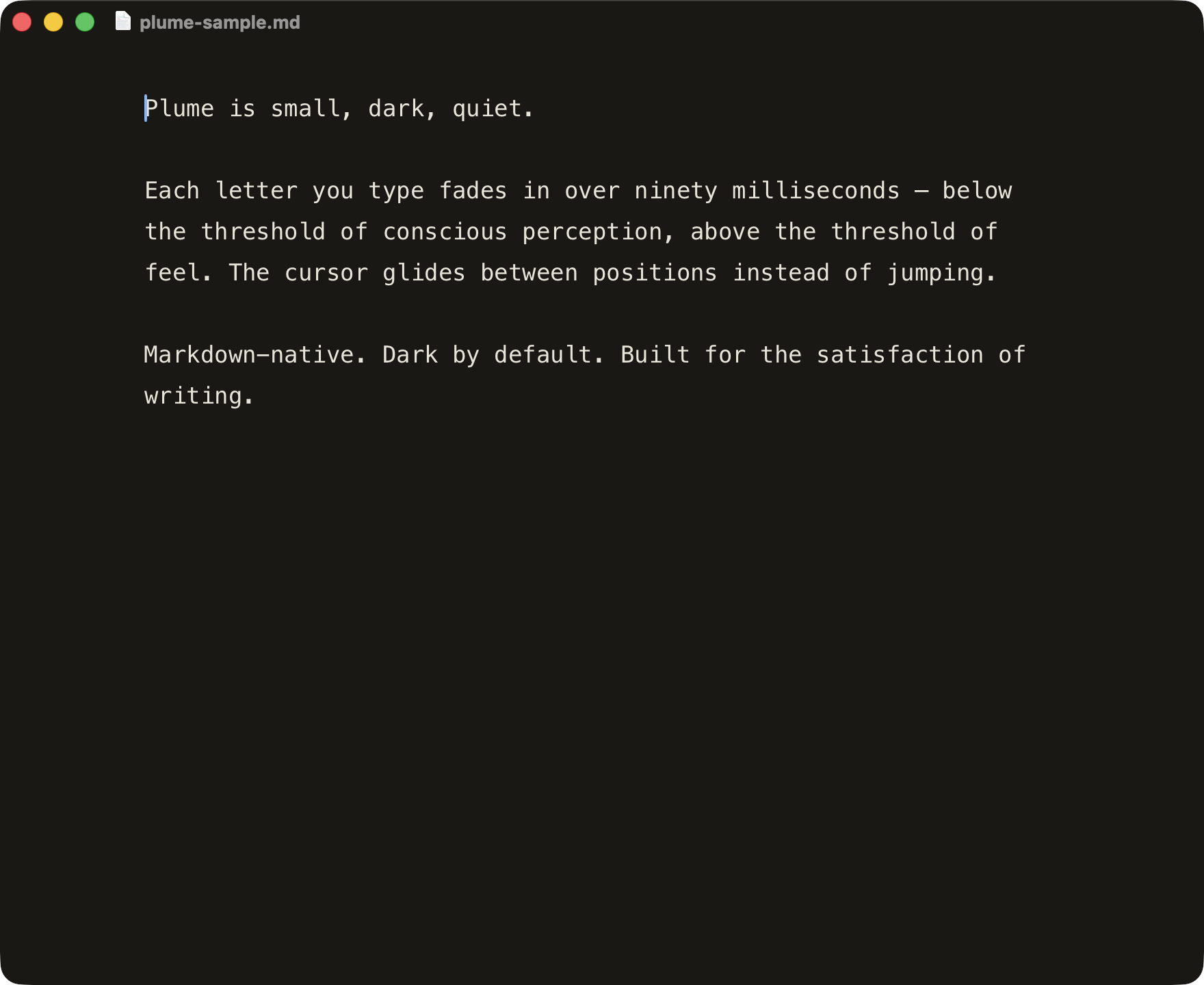
A markdown editor for the satisfaction of typing.
live · interactive · in your browser
universal binary · notarized · self-updating
⌥⌘O · type a path · plume opens it
Local folder, remote server, same page. Plume reads your existing
~/.ssh/config — your keys, your hosts, no new account.
v2.7 · pick a host and Plume browses the directory, including hidden folders like .openclaw and .hermes. Click a .md, edit, save back over SSH.
sparkle updates · ssh folders · same page
Install once, then use Plume → Check for Updates…. Sparkle verifies the signed appcast and installs future releases from inside the app.
The SSH browser now shows dot-directories such as .openclaw, .hermes, .config, and .ssh. Hidden files stay hidden.
Pick a host, see what's there, click to open. Plume reads your ~/.ssh/config; ControlMaster sockets make subsequent saves feel local.
Find in page, system-following light mode, syntax-colored fences, and a compact ⌘? shortcut sheet all live inside the same quiet editor.
Writing should not feel like fighting your tools.
What you focus on grows.
So we let you focus.
Less app.
More page.
main.swift, sshio.swift, index.html. Read every line in an afternoon.~/.ssh/config, no new auth surface.A single drag into /Applications. Future updates happen in Plume.